


SPECIFICATIONS of Oxva Xlim Sq Pro 2 Pod Kit
- Size: 20.01*48*93.4mm
- 2ml e-liquid Capacity
- 1.09 inch touch Screen display
- Max 30W Output Power
- 3.3-4.2V Output voltage
- 1600mAh Built-in Battery Capacity
- 45 Minutes in Full Charge
- Type-C 5V/2A Charging
- 0.33-3.09 Resistance Range
- Side filling cartridge
Colors: Frost Marble, Celadon Marble, Dream Pink, Dream Purple, Blue Shadow, Brown Leather, Gunmetal Wood, Black Leather, Brown Wood, Black Carbon
Difference Between Oxva Xlim Sq Pro Vs Xlim Sq Pro2 Pod Kit
| Feature | Xlim SQ Pro | Xlim SQ Pro 2 |
| Size (mm) | 77 × 54.4 × 20.4 | 93.4 × 48 × 20.01 |
| Weight | 88 g | 114 g |
| Battery | 1,200 mAh | 1,600 mAh (Eco Mode up to 7 days) |
| Screening | 0.96″ TFT, 3 themes | 1.09″ HD touchscreen, 4 themes, animations |
| Puff Counter | 4-digit | 5-digit + trend tracking |
| Smart Features | Smart & Power mode | + Stopwatch, Flashlight, Multilang, Eco Mode |
| Pod Compatibility | All XLIM pods | All XLIM pods (wider resistance: 0.1–3.0 Ω) |
How to Use Oxva Xlim Sq Pro 2 Pod Kit
1) Turn On/Off: Press the function button 5 times in 2s to turn it on/off.
2) Vaping: While the device is on, draw to vape. The device will stop working when the vaping is longer than 8s due to safety protection.
3) Lock/Unlock Touch Function: When you do not operate for a period of time, the screen will automatically turn off and lock the touch screen. When you press a button to light up the screen, you need to swipe to unlock.
4) Adjust Output: Swipe right on the screen, adjust your prefer wattage by tapping or sliding.
5) Puffs Records: Swipe left on the screen, you can view the usage history of this device.
6) Basic Settings: Swipe down on the screen, you can set the basic operation through specific options.
7) Common Options: Swipe up on the screen, you can set the Common options through specific options.
8) Theme Switch: Long press the main interface screen, enter the switching state and select the wallpaper by sliding.
9) Slide right on the screen to go back to the last level, when you are Ona secondary or tertiary page.
10) When you have no operation for 5s, the screen touch will be locked automatically, you need to swipe to unlock.
11) Screen Prompts
- LOW BATTERY: The battery is low
- NO ATOMIZER: The cartridge is not detected
- SHORT: The short-circuit is detected
- TIME OUT: The vaping time is over 8s
- TEMPHIGH: The temperature of PCBA is too high
Kit Includes
- 1 x XLIM SQ PRO 2 Device
- 1 x Top Fill Cartridge 0.6Ω (pre-installed)
- 1 x Top Fill Cartridge 0.8Ω
- 1 x Lanyard
- 1 x User Manual
- 1 x Quick User Guide
- 1x Use Suggestion Card

Xlim Sq Pro 2
| Color | Black Carbon, Black Leather, Blue Shadow, Brown Leather, Brown Wood, Celadon Marble, Dream Pink, Dream Purple, Frost Marble, Gunmetal Wood |
|---|
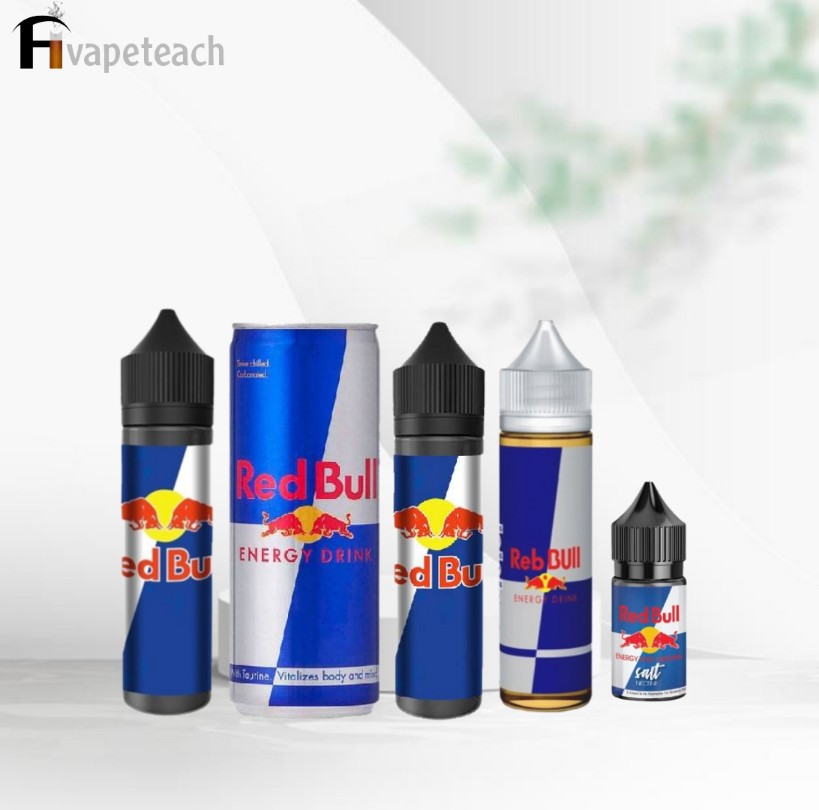

RED BULL VAPE JUICE
Original price was: د.إ55.00.د.إ40.00Current price is: د.إ40.00.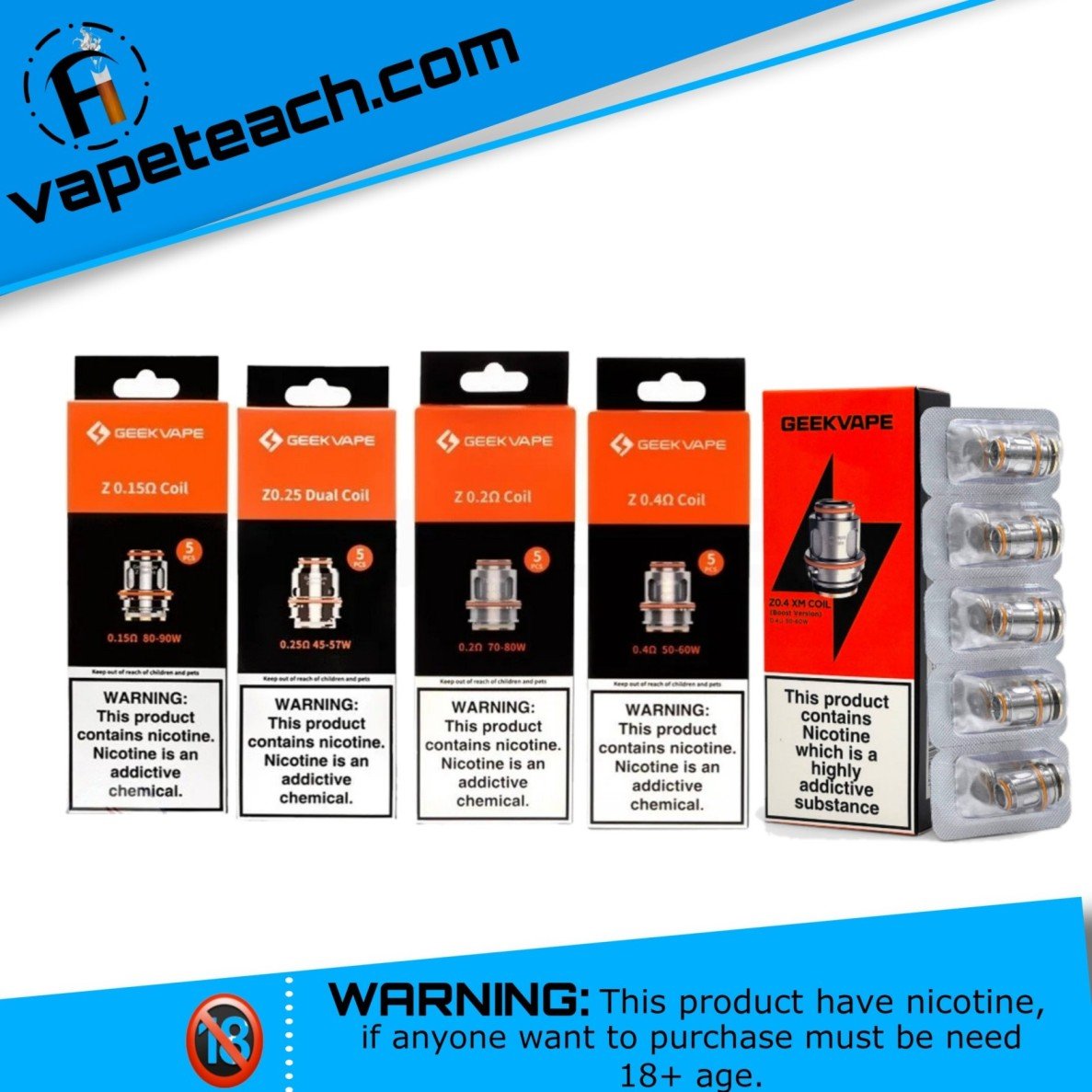
Geekvape Z Series Coil
Original price was: د.إ59.00.د.إ45.00Current price is: د.إ45.00.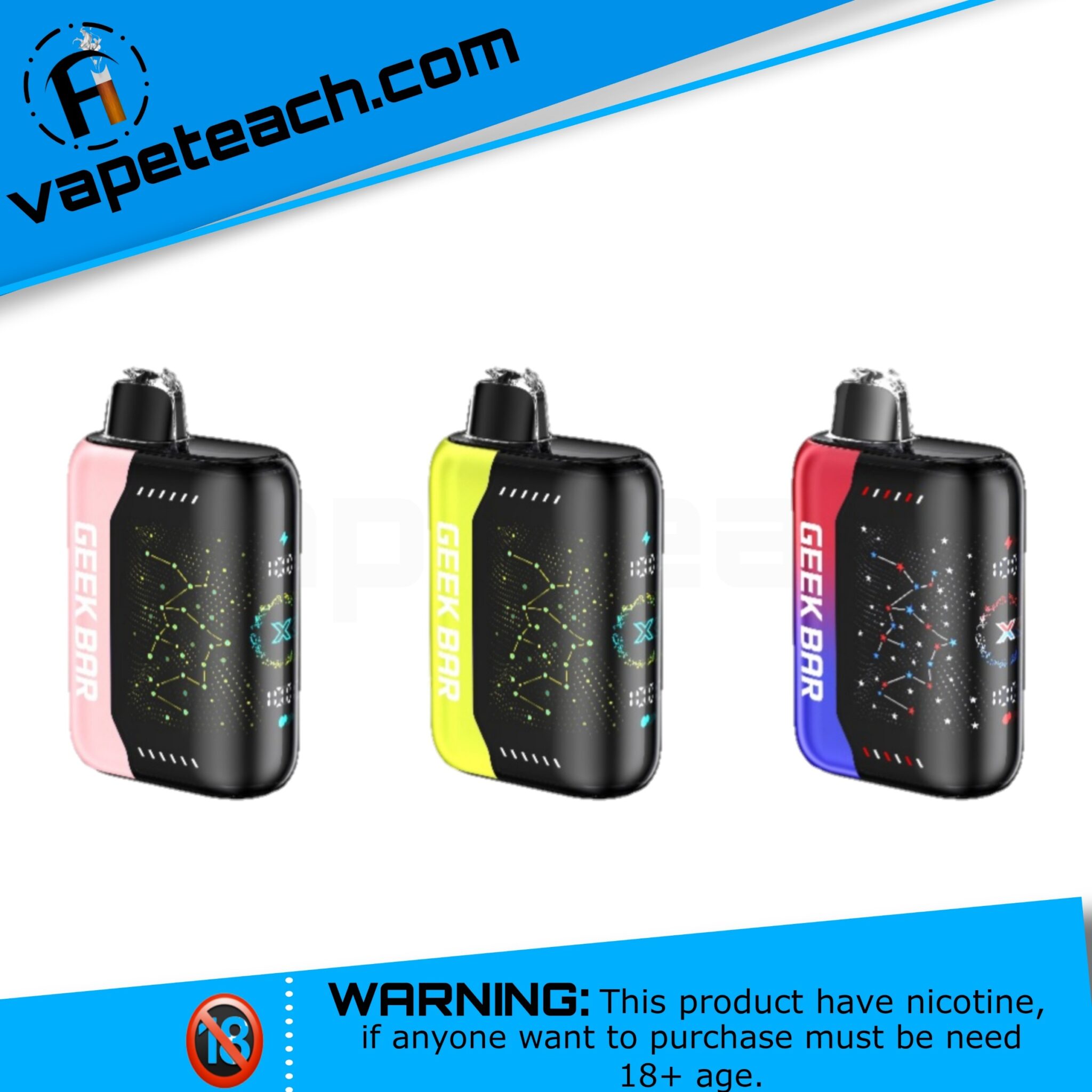

Geek Bar Pulse X 25000 Puffs Disposable Vape
Original price was: د.إ65.00.د.إ45.00Current price is: د.إ45.00.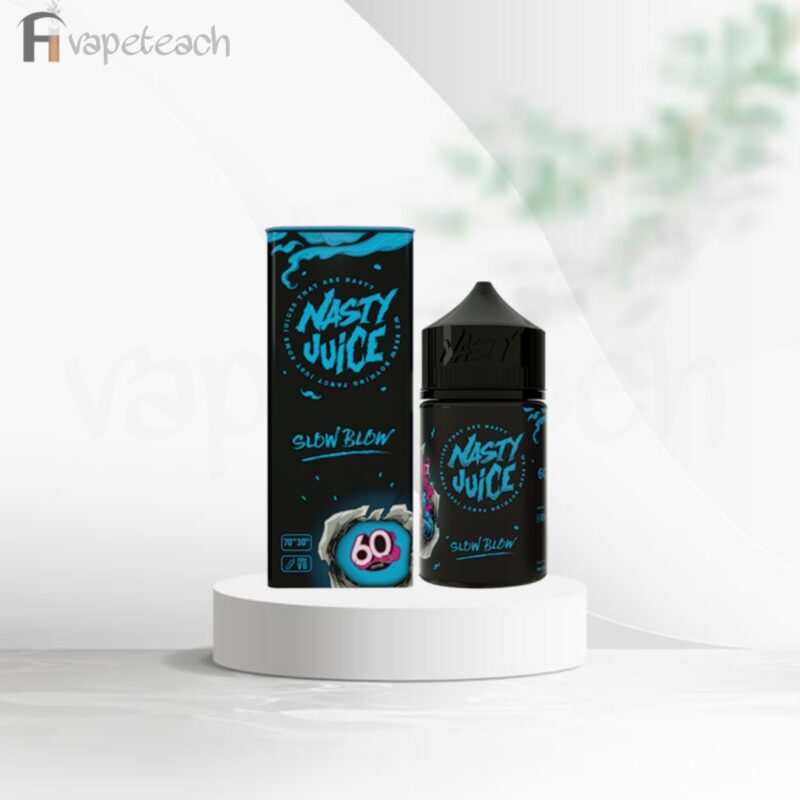
Nasty Slow Blow
Original price was: د.إ49.00.د.إ39.00Current price is: د.إ39.00.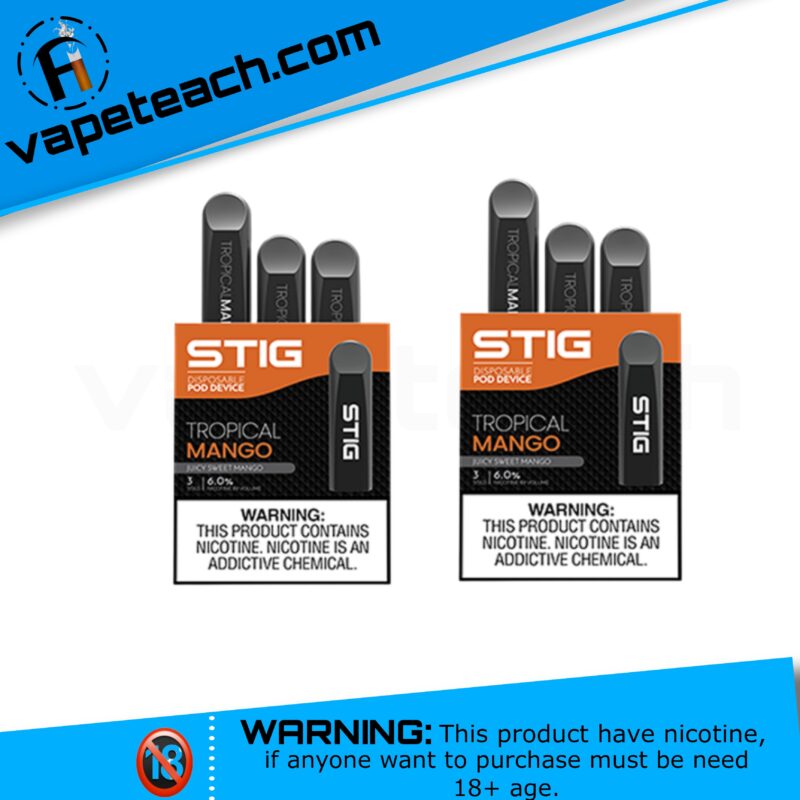
Stig Tropical Mango
Original price was: د.إ99.00.د.إ59.00Current price is: د.إ59.00.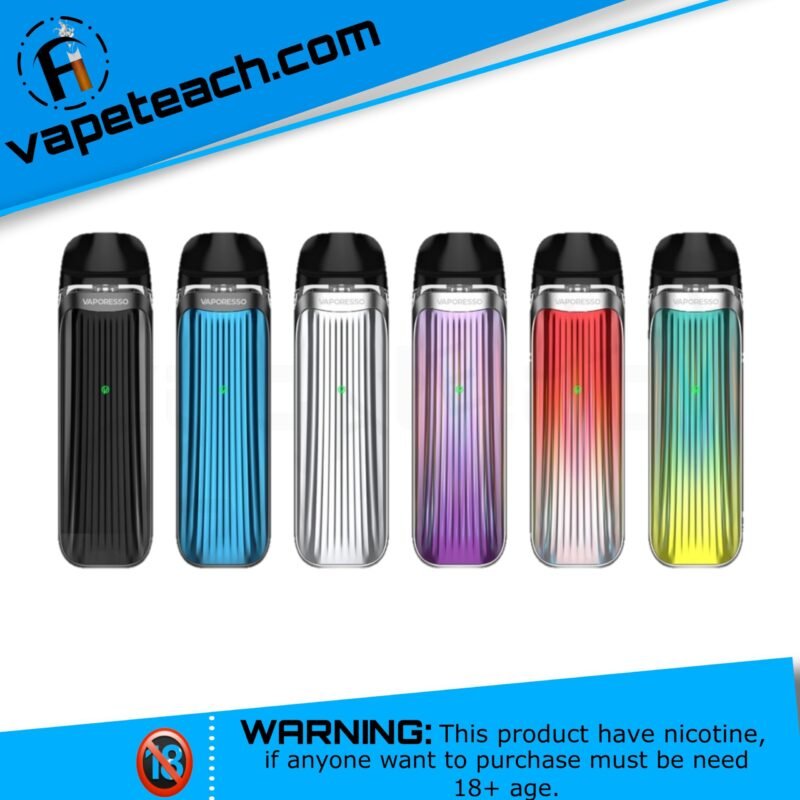
LUXE QS
Original price was: د.إ170.00.د.إ119.00Current price is: د.إ119.00.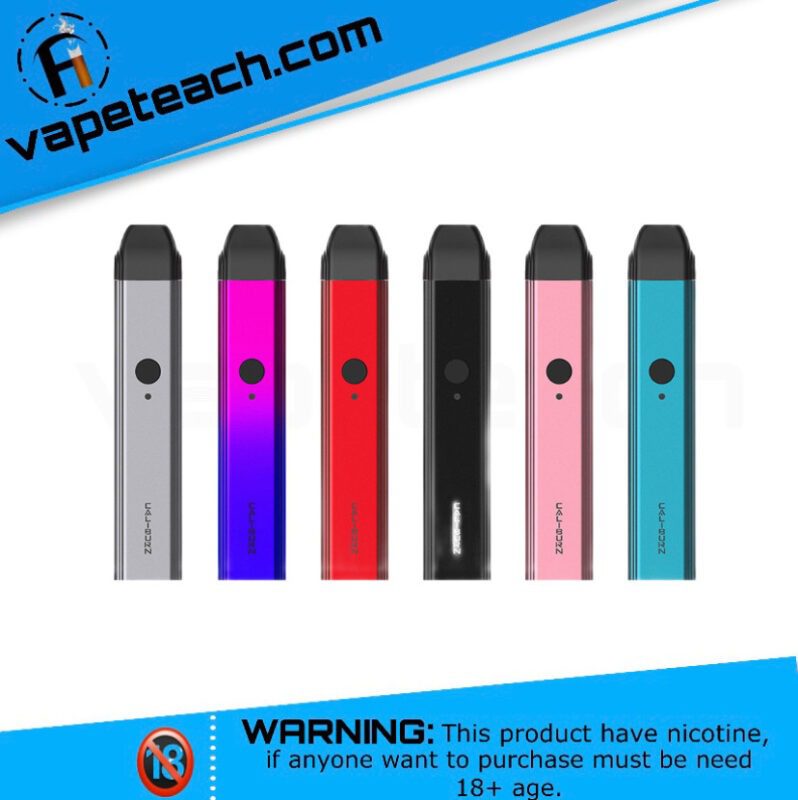
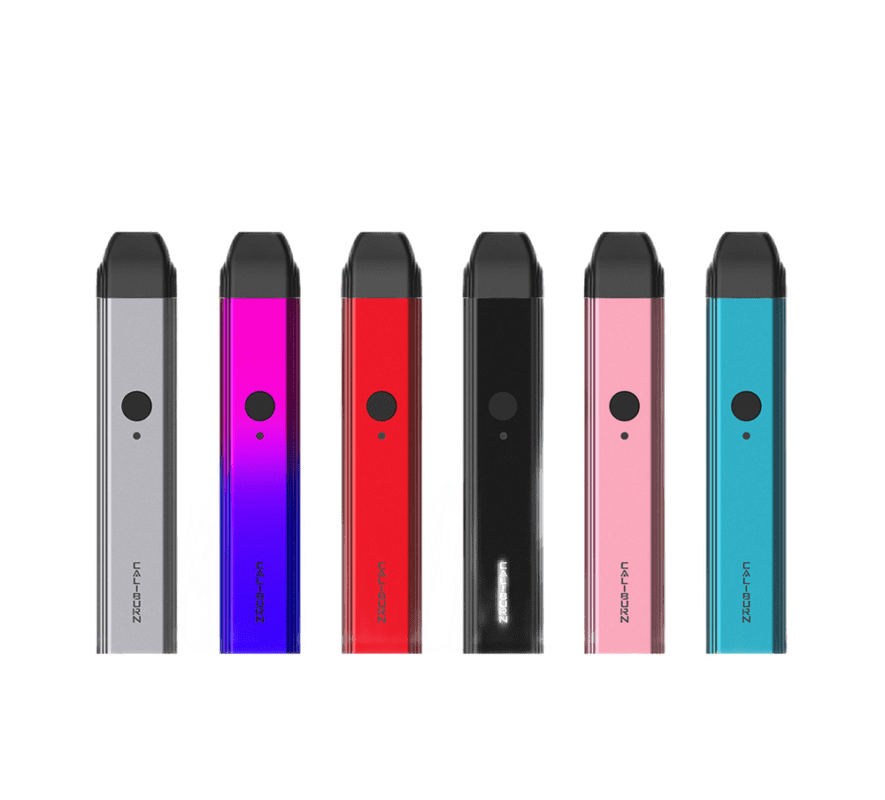
CALIBURN 11W POD KIT
Original price was: د.إ140.00.د.إ89.00Current price is: د.إ89.00.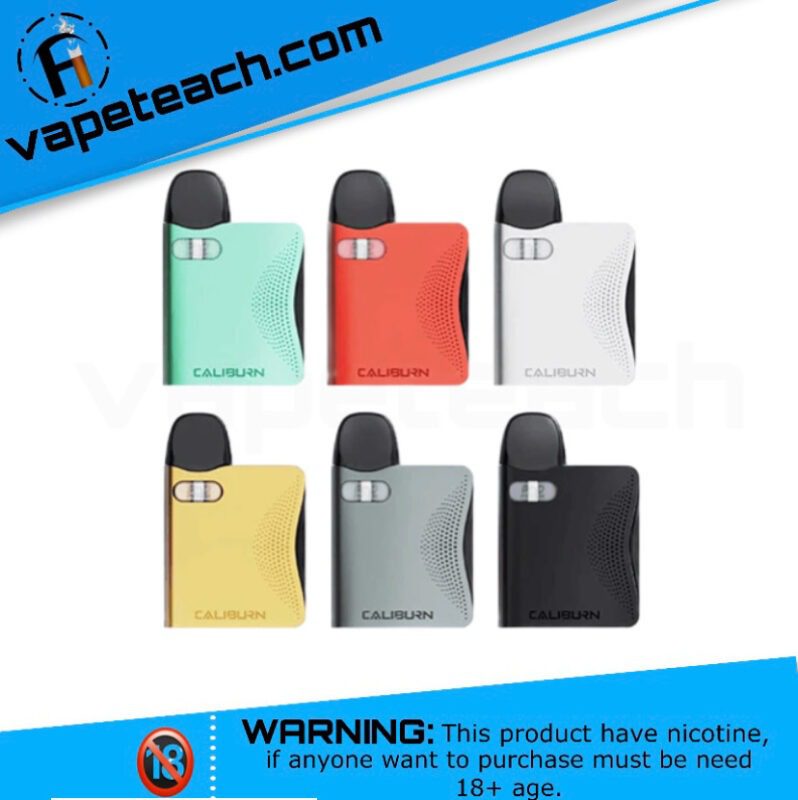
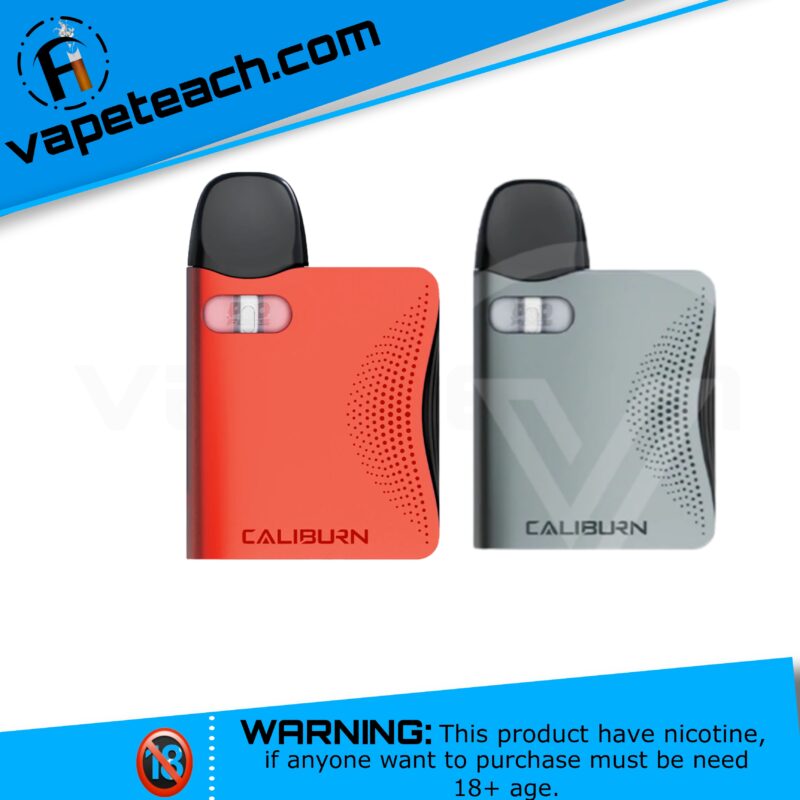
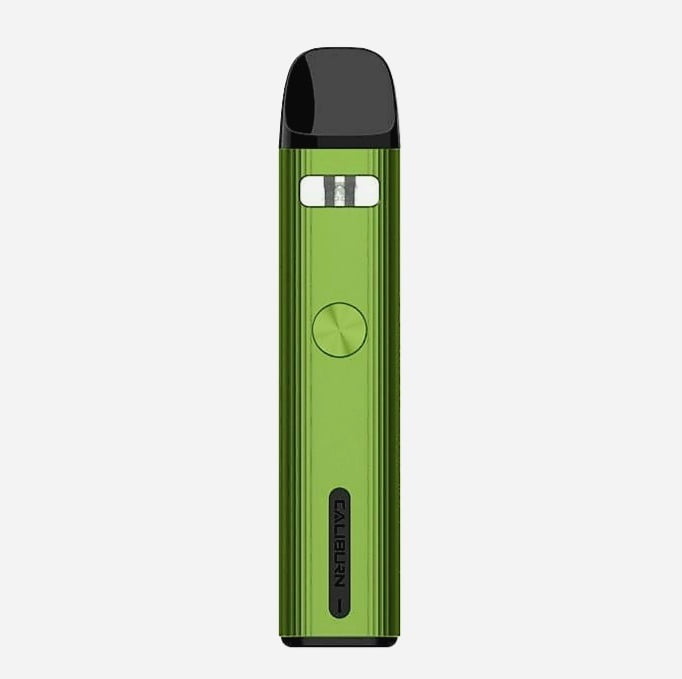
UWELL CALIBURN AK3 POD KIT
Original price was: د.إ150.00.د.إ99.00Current price is: د.إ99.00.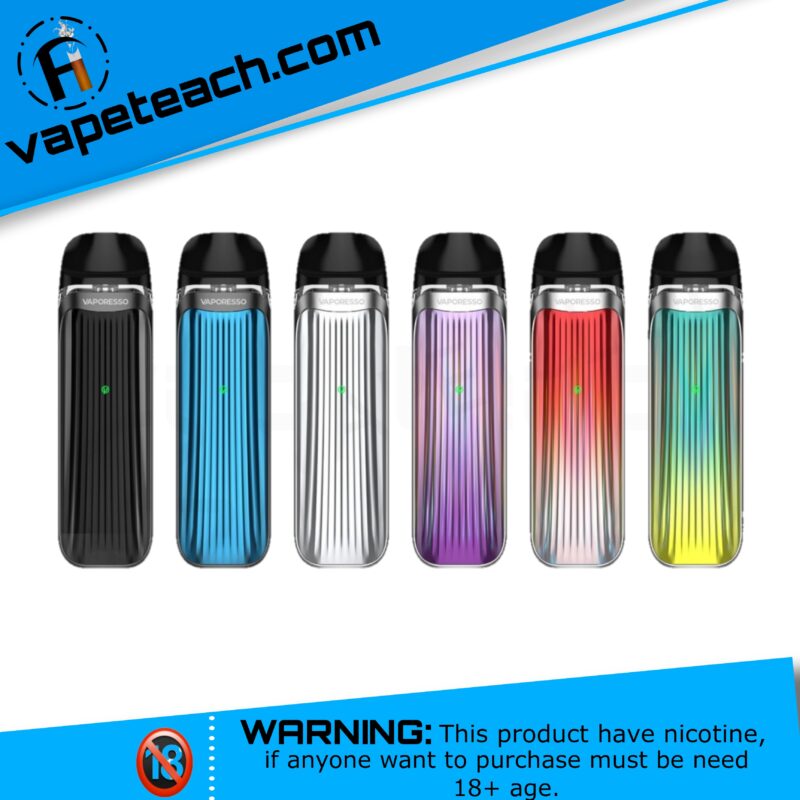
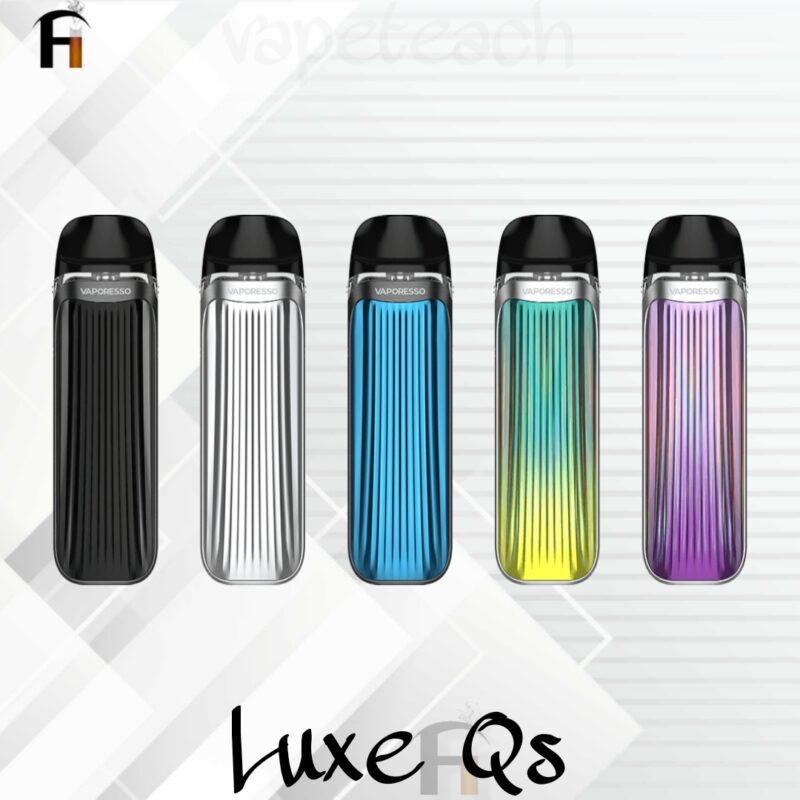
VAPORESSO LUXE QS POD KIT
Original price was: د.إ230.00.د.إ120.00Current price is: د.إ120.00.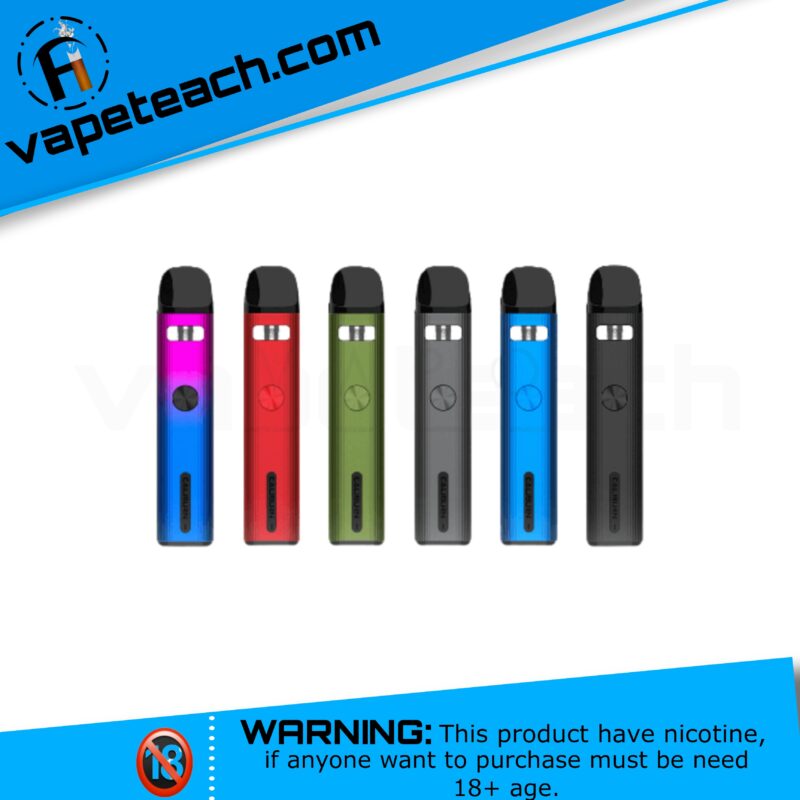
Reviews
There are no reviews yet.